





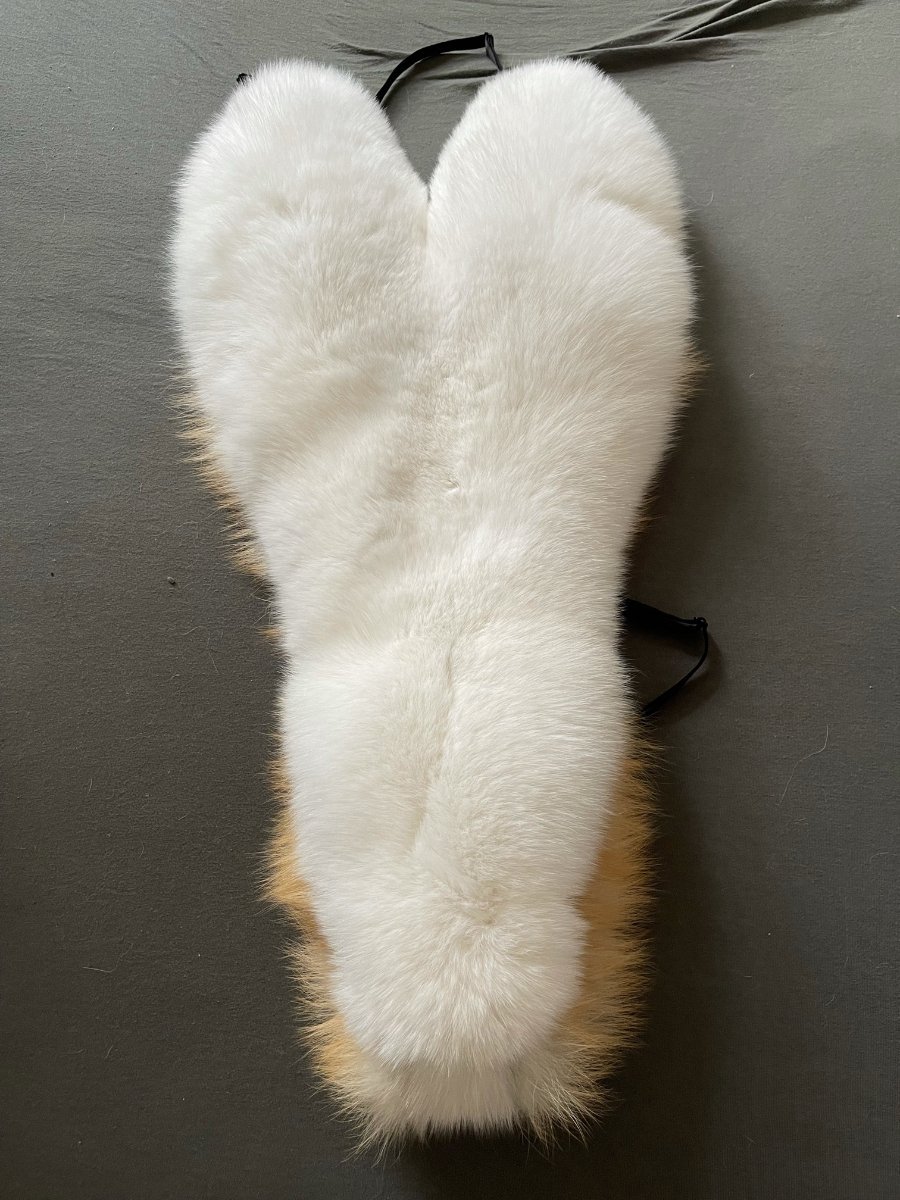


Not only does fur have a rich heritage, it is extremely cutting edge. Fur is no longer just your grandmother’s old coat, designers are constantly innovating the material using a variety of techniques and combining textures to create fun, interesting and wearable garments.
Every piece of fur is different; you will never find two identical garments. They continue to be made by hand using craftsmanship and manufacturing skills that are passed down through the generations.
It is a durable, natural and sustainable material. Fur is without doubt the oldest fabric known to man and is one of nature’s most enduring products. It comes from sustainable sources – nowadays the majority of fur is from SPECIALTY FARMS and around 15% is from abundant WILD POPULATIONS.
Whether you choose to eat meat, eggs or dairy produce, use medicines tested on animals or wear leather, fur, silk or wool you will want to be assured that animals have been treated humanely. The fur trade invests $millions in animal welfare research, CERTIFICATION PROGRAMMES and animal husbandry technology in addition to supporting local, regional, national and international ANIMAL WELFARE legislation.
The fur trade believes in your right to choose for yourself – read IFF CEO Mark Oaten’s blog on the Huffington Post about Freedom of Choice.