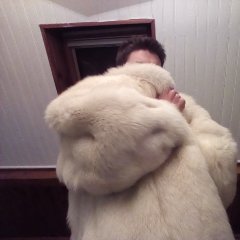
September 25, 20179 yr Hello to all, after some time visiting the forum and talking on the chat, I think it was time to introduce myself. I'm a 24 male from France, PhD in chemistry and of course furlover for a long time. I've bought my first two real fur coats this year : a polar fox coat and a bluefox jacket and i'm ready to have my first winter with them . I haven't tried other furs yet but i will enlarge my collection for sure. I'm also a fan of basketball, mangas/comics, video games and some other things. I'm often connected on the chat so if you want to talk don't be afraid to pm me. I wish you all a great and furry day.
September 29, 20179 yr welcome! I hope you will share some photos of you wearing the lovely foxes in the winter time to keep yourself cosy in the cold weather.
September 30, 20179 yr Author Thank you Furlondon. For the pictures, maybe i will upload some photos of me in fur but not sure


Create an account or sign in to comment